 Chrome-Plugin
 MCP Server
HTML Publisher MCP for AI Agents





Just tell your AI agent (Claude Code,Codex,Cursor...): "Publish this HTML to HHPP" to deploy your HTML page with a Short URL.
Copy and send it to your AI agent.
Install a new MCP server

Name: hhpp-html-publisher
Type: SSE
URL: https://api.hhpp.com/mcp
Headers:
Authorization: Bearer hhpp-sk-yourapikeyxxxxxxxxxxxxxxxxxxx
MCP server for HTML publishing.
Whether you need a plain link, access control, social sharing, or full link management — HHPP handles it all without a deployment pipeline.
Publish & Get a Short URL
Simply tell your AI agent: 'Publish this html to HHPP' Return: https://hhpp.com/xxxx
Short URL with Access Code
Simply tell your AI agent: 'Publish this html to HHPP with access-code 1234'. Return: https://hhpp.com/xxxx access code: 1234
Short URL with Share Buttons
Tell your AI agent: 'Publish this html to HHPP with social sharing' that comes with built-in share buttons, making it easy for visitors to spread your page across social platforms in one click.
Dashboard & Analytics
Manage all your short links from a single dashboard — track visit counts, update destination URLs, and stay in control of everything you've published.
Short URL Showcase
Explore live short URLs published by AI agents

Coffee Haven Landing Page

Interactive 3D Solar System

Stokes' Theorem Visualization

Consistent Characters Across Videos
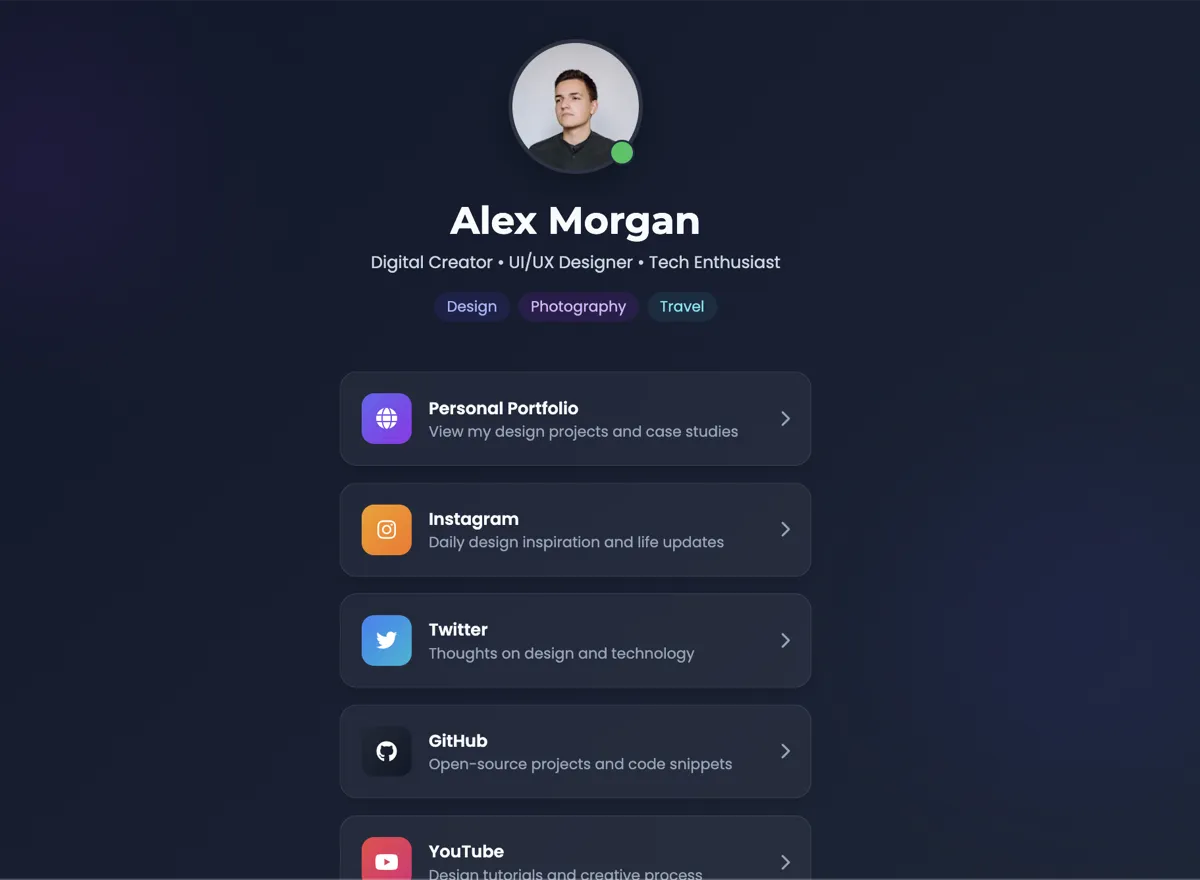
Personal Links Page
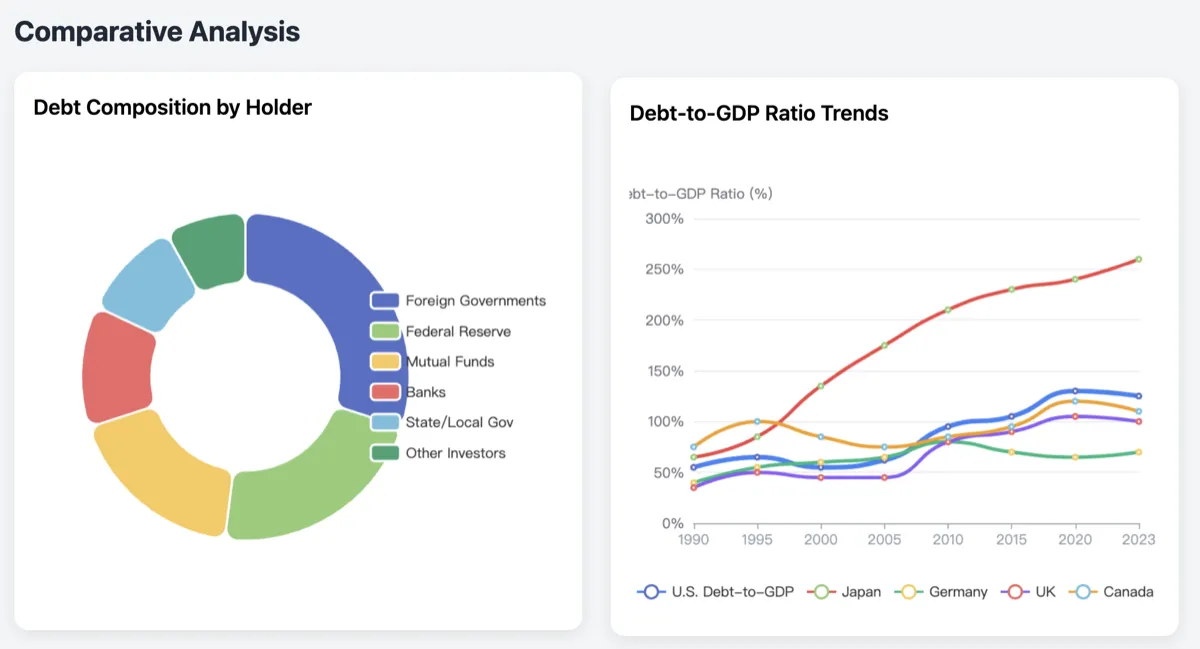
U.S. National Debt Analysis
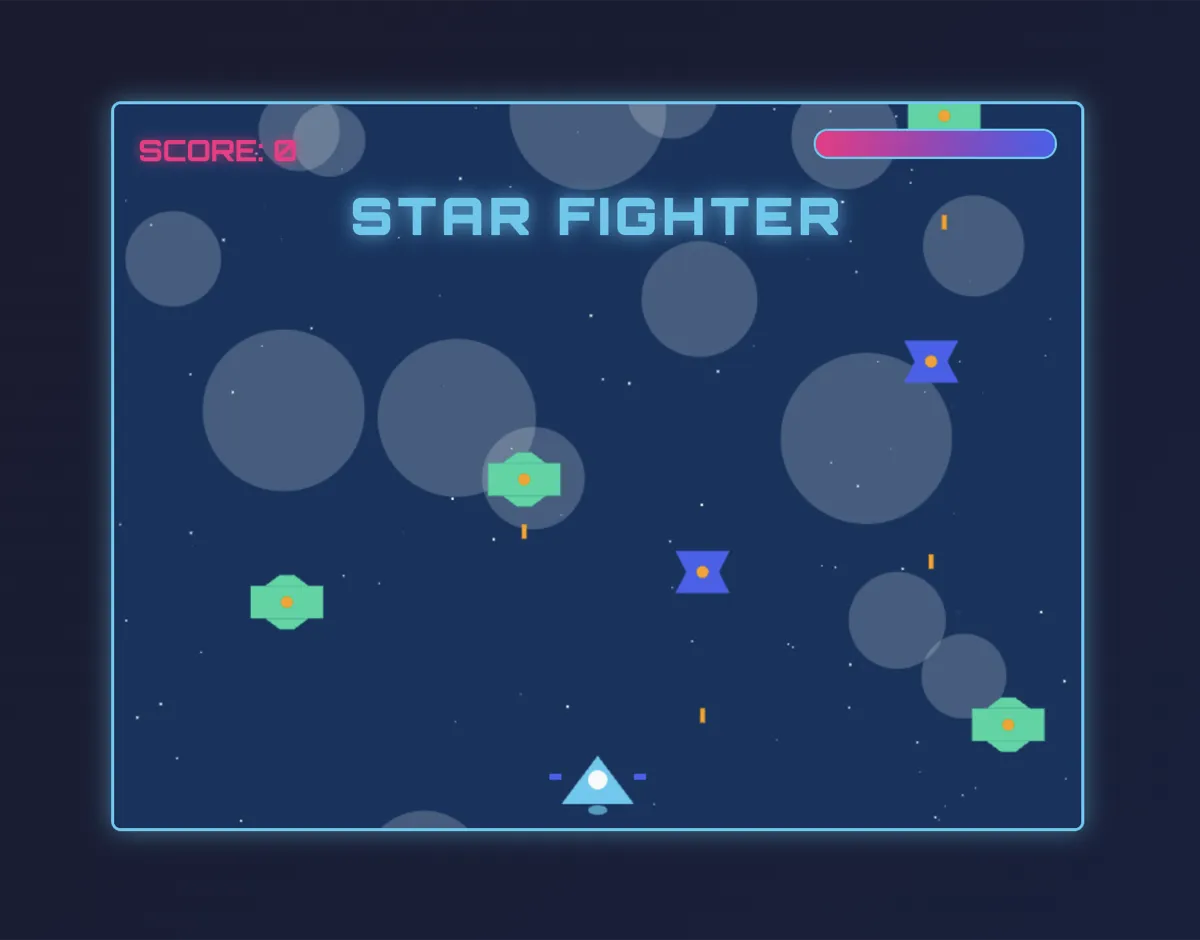
Flight Shooter Game

Changing World Order
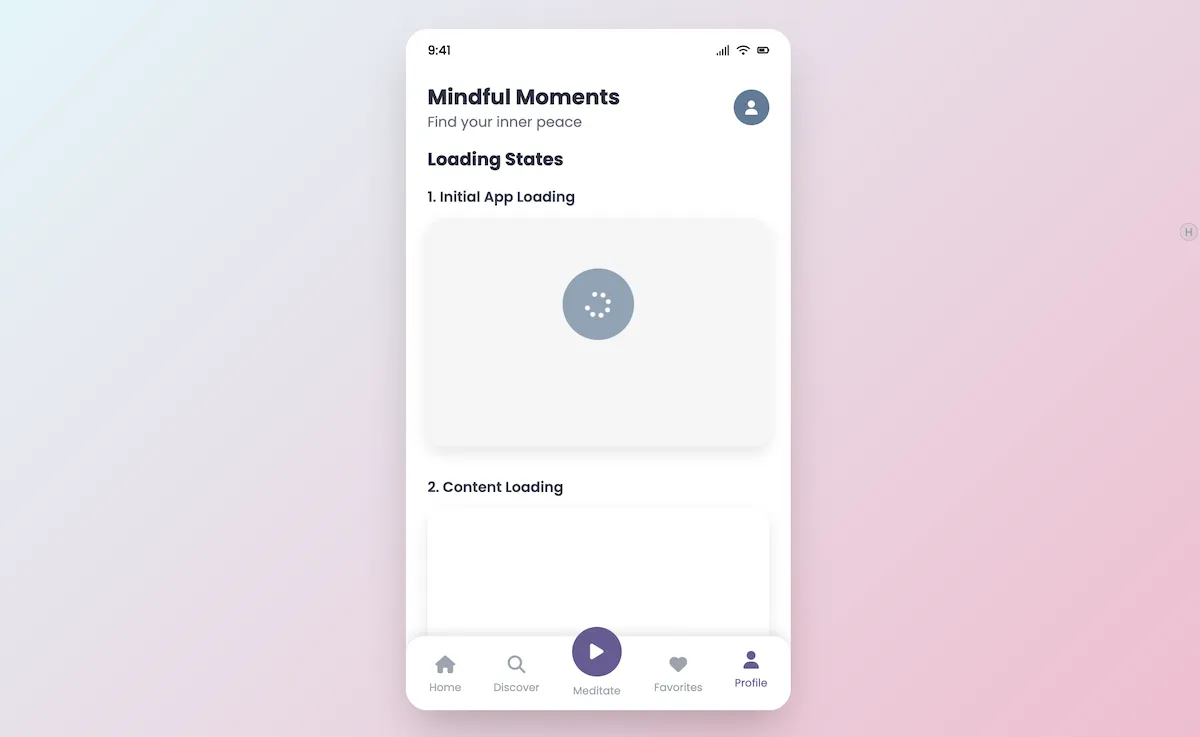
Mindful Moments App
FAQ
Frequently asked questions about HHPP.
Pricing Plans
Published links keep working even after you hit the creation cap. Upgrading just raises the ceiling for new links — nothing breaks.
Start publishing without a card.
- 100 lifetime pages
- Deleting pages does not restore quota
- Access-code protection
- Visit counts and dashboard analytics
- Built-in social sharing plugin
- Publish through MCP and API keys
- Historical pages remain accessible after downgrade
For frequent publishing with monthly billing.
- 1,000 lifetime pages
- Deleting pages does not restore quota
- Access-code protection
- Visit counts and dashboard analytics
- Built-in social sharing plugin
- Publish through MCP and API keys
- Historical pages remain accessible after downgrade
The same Pro quota with two months free.
- 1,000 lifetime pages
- Deleting pages does not restore quota
- Access-code protection
- Visit counts and dashboard analytics
- Built-in social sharing plugin
- Publish through MCP and API keys
- Historical pages remain accessible after downgrade
Page limits count lifetime creations. Deleting a page never restores quota, and every page already published remains online after a downgrade.