Turn AI-Generated HTML into Shareable Links.
Upload AI-generated HTML. Publish and share instantly.
Drop your HTML file here
One .html or .htm file · Up to 5 MB
Use embedded assets or online URLs. Local images, stylesheets, and scripts are not uploaded with your file.
Uses 1 page from your plan’s publishing allowance. Sign in when you select a file.
Publish, Share, and Manage Your AI-Generated HTML.
Every day, AI generates countless HTML pages. HHPP makes it easy to publish, share, and manage them all in one place.
Choose your HTML
Drag in one HTML file or choose it from your device. Keep styles and scripts in the file, or use online asset URLs.
Decide how to share
Share buttons are on by default. Add an access code if you want visitors to enter a code before viewing your page.
Publish and copy the link
Click Publish to get a short URL. Send it in a message, add it to a document, or share it on social media.
Manage it later
Find your published pages in your dashboard. Copy links, change access codes, toggle share buttons, or delete a page.
Short URL Showcase
Explore live short URLs published from AI-generated HTML

Coffee Haven Landing Page

Interactive 3D Solar System

Stokes' Theorem Visualization
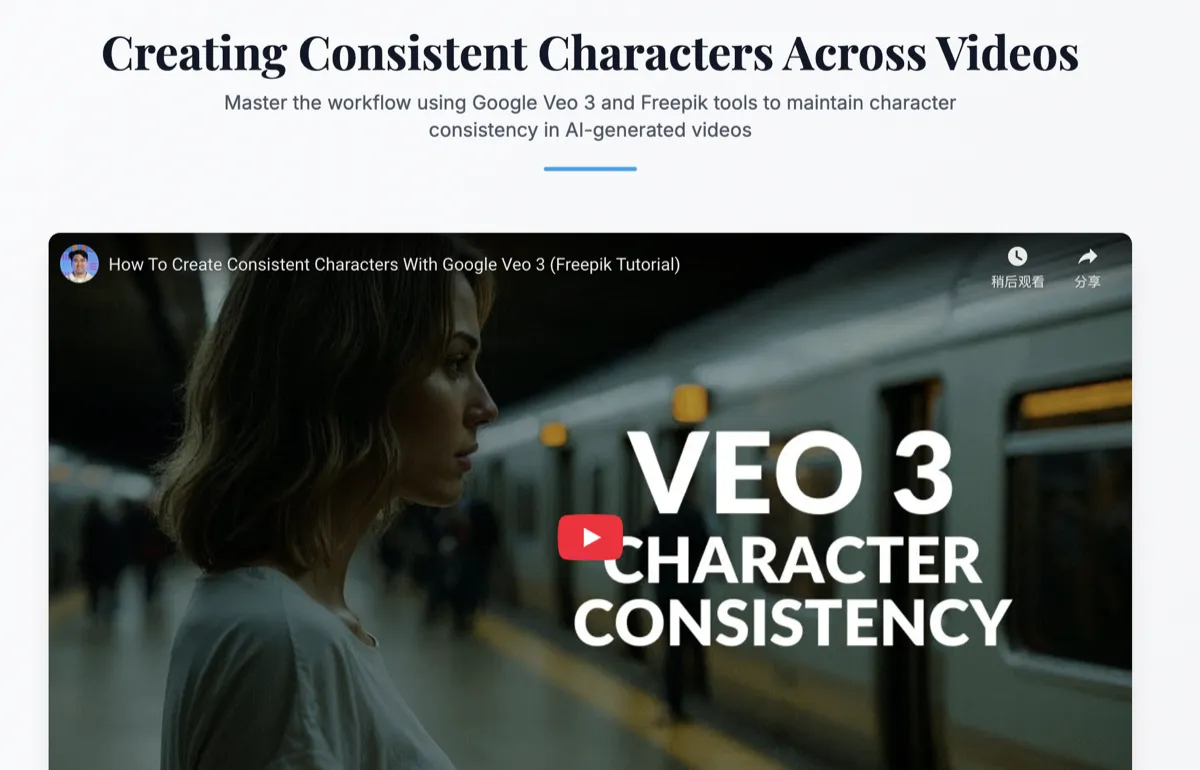
Consistent Characters Across Videos
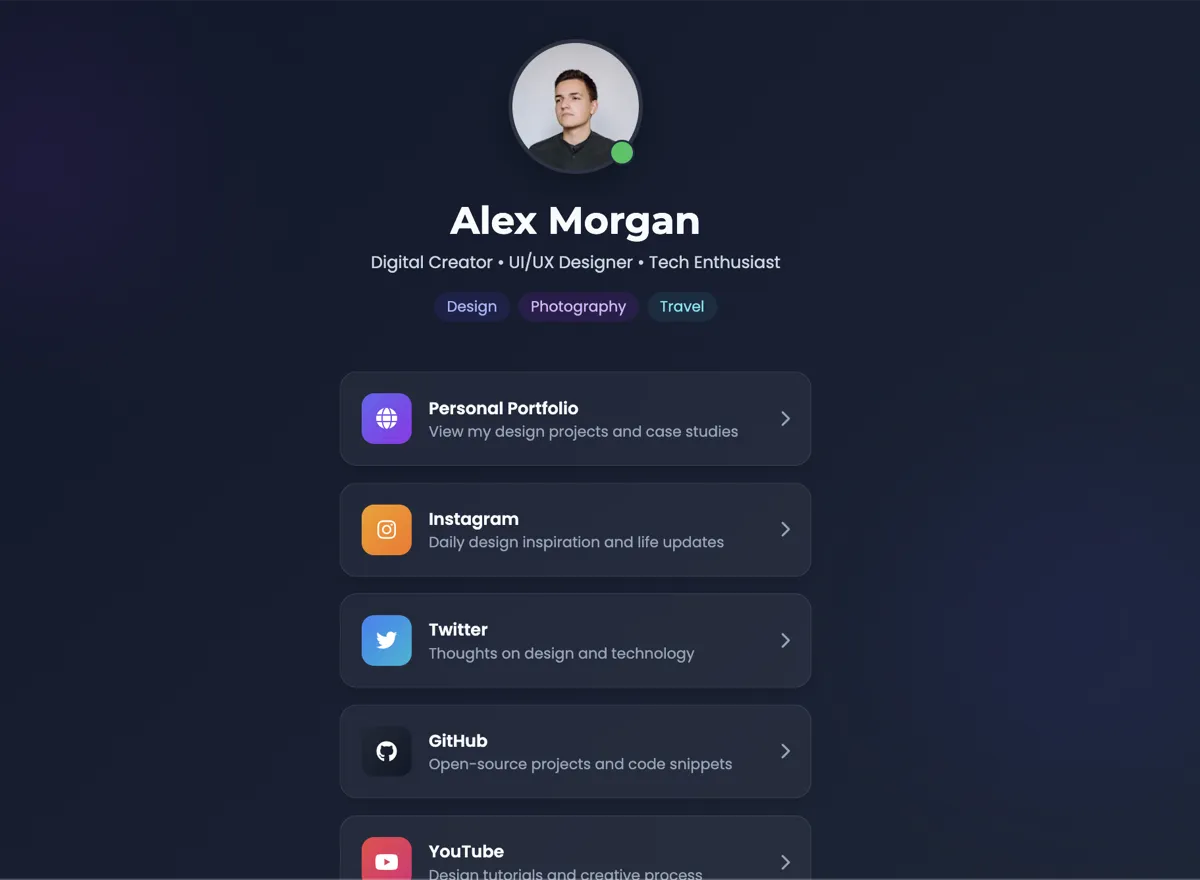
Personal Links Page
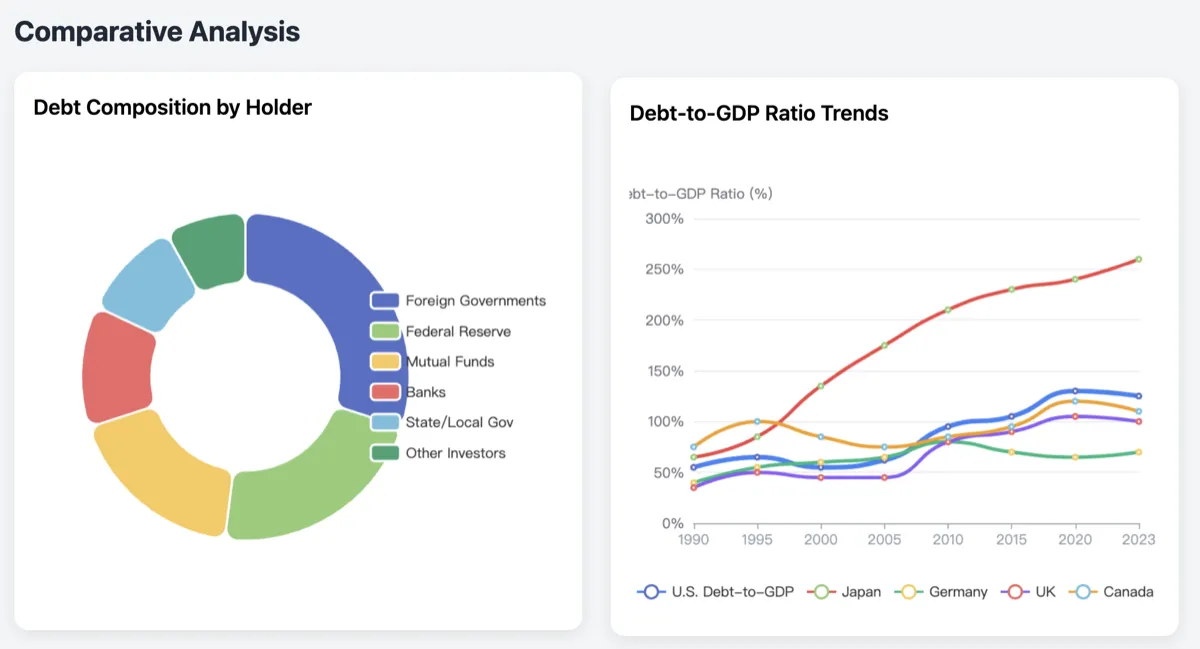
U.S. National Debt Analysis
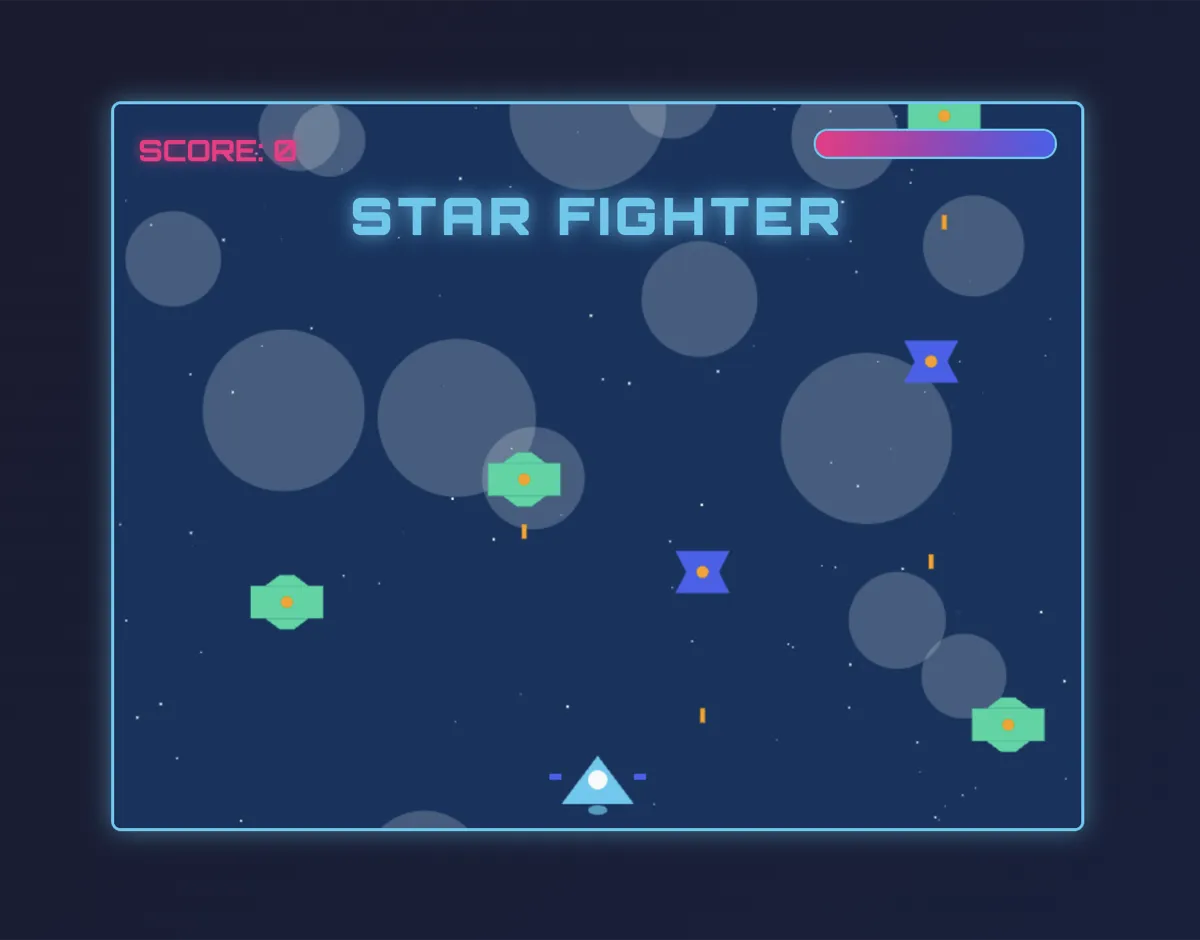
Flight Shooter Game
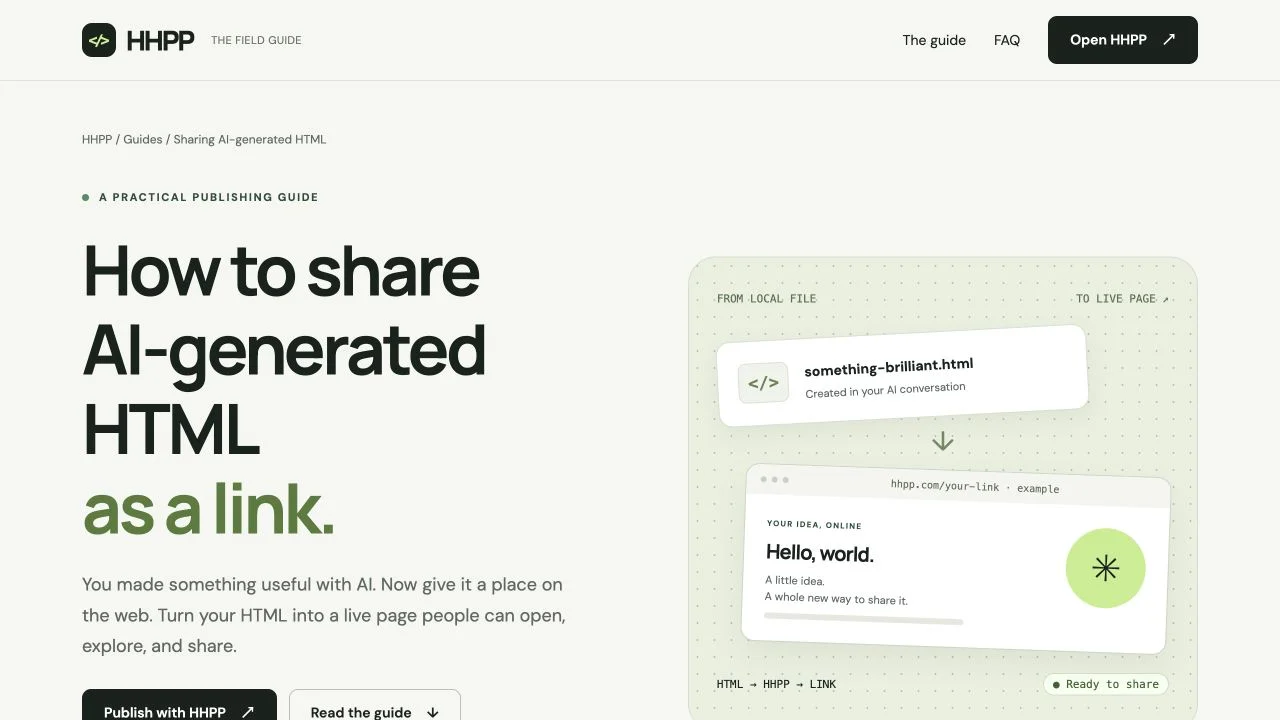
How to Share AI-Generated HTML as a Link
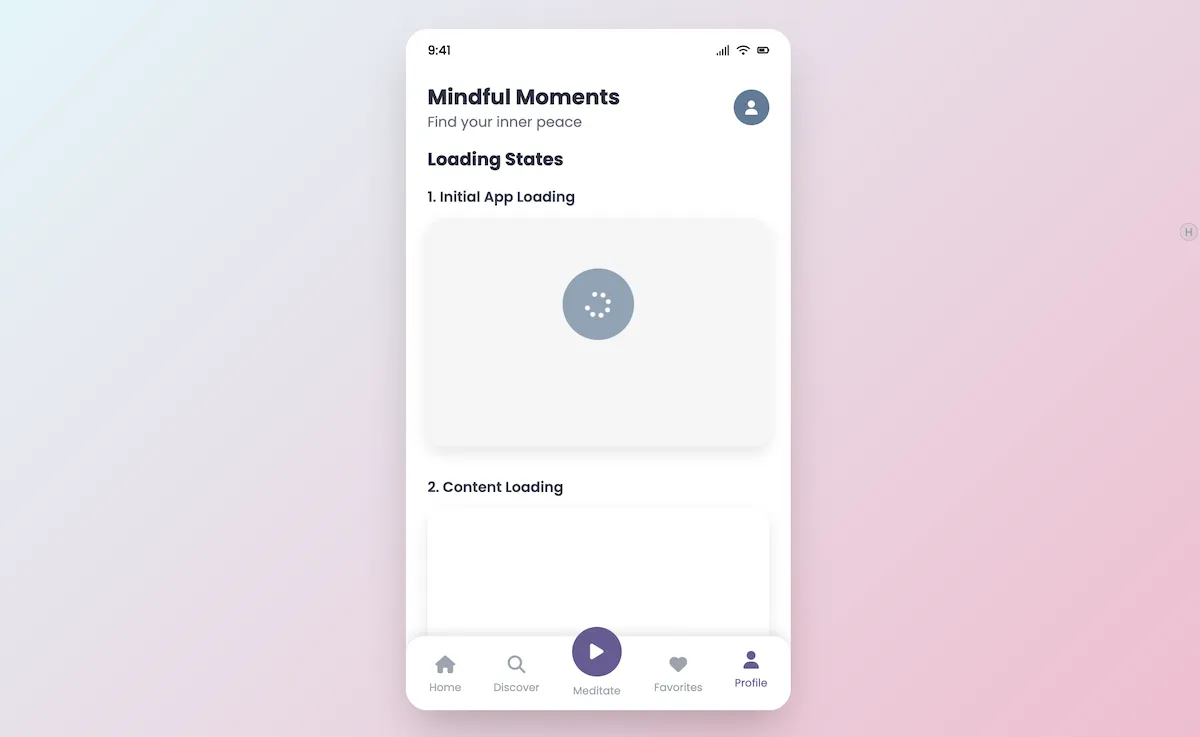
Mindful Moments App
Questions before you upload?
What you need to know about publishing an HTML file.
Pricing Plans
Published links keep working even after you hit the creation cap. Upgrading just raises the ceiling for new links — nothing breaks.
Start publishing without a card.
- 50 lifetime pages
- Deleting pages does not restore quota
- Access-code protection
- Visit counts and dashboard analytics
- Built-in social sharing plugin
- Publish through MCP and API keys
- Historical pages remain accessible after downgrade
For frequent publishing with monthly billing.
- 500 base pages + 50 bonus per successful monthly payment, including the first
- Deleting pages does not restore quota
- Access-code protection
- Visit counts and dashboard analytics
- Built-in social sharing plugin
- Publish through MCP and API keys
- Historical pages remain accessible after downgrade
More base pages and a 1,000-page bonus with every yearly payment.
- 1500 base pages + 1000 bonus per successful yearly payment, including the first
- Deleting pages does not restore quota
- Access-code protection
- Visit counts and dashboard analytics
- Built-in social sharing plugin
- Publish through MCP and API keys
- Historical pages remain accessible after downgrade
Page limits count lifetime creations. Deleting a page never restores quota, and every page already published remains online after a downgrade.